
In This Article
Smart homes have an obvious ability to make life easier and boost residents' comfort and safety — for example, during a fire, they don't just alert residents with an alarm; they can also automatically unlock doors, call the fire department, and turn on hallway lights for extra safety. A smart home isn't just a collection of separate gadgets — it's an integrated system whose parts work together. This article covers the core components of a smart home and its practical applications.
Key Takeaways
- Cutting annual energy use by up to 30% with learning smart thermostats
- Unified control of home lighting, curtains, temperature and security through a single app
- Smart scenarios like 'Leaving Home' to turn off every device at once
- Integrating dozens of services and hundreds of types of smart home devices on a single IoT platform
The Challenge of Coordinating Smart Home Equipment
Today there's a clear need for a simple way to coordinate building-smartification equipment and control it remotely; household members should be able to manage electrical and electronic equipment like lighting and temperature through a phone or touch panel, with no special skill required. Without an integrated platform, smartification costs go up, and defining even simple scenarios — like a 'Leaving Home' scenario that turns off every light and closes the blinds with a single tap — becomes difficult.
A smart system needs to fully deliver comfort, peace of mind and security, and beyond that, help save energy — meaning people should also be able to monitor their home remotely and be confident every security device is working properly.
The Basic Building Blocks of a Smart Home
Designing and building a smart home requires equipment that, working together with a central processor, makes smart home management possible. The most important pieces of equipment include:
- Relays: the most widely used component, switching power to other devices on or off
- Sensors: including motion, water-leak, temperature and infrared types, tasked with collecting and sending information to the central processor
- A wall panel that can connect to heating, cooling and lighting systems
- A thermostat: a device for regulating indoor temperature and cutting energy use
Alongside these basic components, products like smart water sensors for detecting leaks, smart locks for securing homes, a smart hub for centralized home management, security cameras and door sensors are among the most commonly used smart home devices.
Comfort & Energy Features in a Smart Home
Combining smart lights and thermostats, beyond having a serious impact on cooling and heating energy use, is also appealing for entertainment purposes — for example, the lighting system can be programmed to provide the light the home needs right at sunset. Wi-Fi-enabled smart lights let you control individual light points, change light color, and define preset modes like reading light or relaxation mode, and light-intensity and occupancy sensors can automatically optimize lighting power use.
Smart curtains, Wi-Fi plugs and outlets, and a smart audio system are also part of a smart home's comfort features, controllable from a phone or via predefined scenarios. By learning residents' behavioral patterns, smart thermostats can cut a home's annual energy use by up to 30%, and temperature/humidity sensors adjust ventilation systems based on the real conditions in each room. Smartification can also extend to outdoor spaces like the garden and pool: smart irrigation systems activate only when plants genuinely need water, and pool pumps and lighting can also be managed automatically and remotely.
Smart Security & Safety Systems
Smart home security sensors include smart cameras, motion sensors, door/window sensors, vibration sensors and alarm sirens, which instantly send a message to the user's phone upon detecting any unusual movement or event. Alongside these, safety modules such as smoke sensors, fire alarm and suppression systems, water-leak, gas-leak and carbon-monoxide detection sensors, together with a smart solenoid valve for automatically shutting off water or gas, play a key role in preventing serious incidents.
Smart locks and digital handles, with fingerprint, passcode and RFID card support, control who comes and goes, and immediately notify owners — even thousands of kilometers away — of any tampering. The security system can also simulate everyday activity by automatically turning interior and exterior lights on and off while residents are away, creating a stronger deterrent against burglary.
DanialMoj's IoT Platform for the Smart Home
DanialMoj implements the infrastructure smart homes need — cloud-based or on-premises — using its own native IoT platform. Beyond collecting and efficiently storing sensor data, this platform gives clients features like 24-hour support, scalable cloud infrastructure, a dedicated dashboard, multi-layer security, and support for various communication protocols such as LoRa, LTE and GSM.
Once transmitted, sensor data is stored on the platform and analyzed by a rule engine so that, when predefined patterns are detected, the necessary commands are sent to equipment; for example, using a machine-learning algorithm, the platform can learn residents' behavioral habits — such as sleep hours and presence or absence at home — and set a specific operating schedule for home appliances. These products can be installed and upgraded without any change to existing wiring, and remain controllable remotely, even from kilometers away.
Frequently Asked Questions
What exactly does 'smart home' mean?
Does smartifying a home require a complete rewiring job?
What role does DanialMoj's IoT platform play in a smart home?
Does a smart home work without a permanent internet connection?
Want to find out how DanialMoj's IoT platform can be designed to smartify your home or residential project?
Request a Free ConsultationRelated Articles
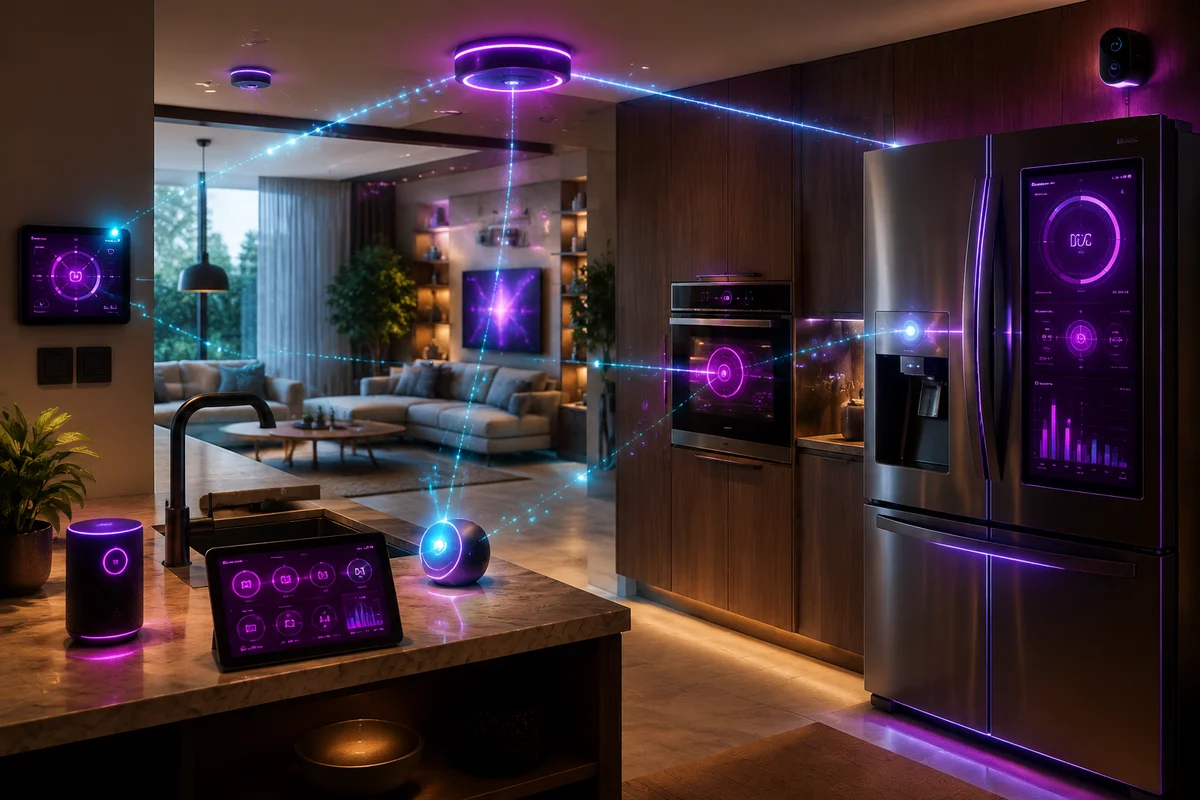
Smart Home Appliances
Connecting home appliances to smart networks for remote control and smarter energy management.
Read Article
Street Lighting
Smart control of street lights to cut power consumption and improve road safety at night.
Read Article
Smart City
Integrating urban infrastructure with IIoT platforms for better management of city resources and services.
Read Article
Smart Hotel Management
Smart hotel management uses IoT, room automation and data analysis to improve guest experience, energy management and staff productivity.
Read Article